Sports Video Production: Creating Sponsor-Ready Content Beyond the Final Score
Why Sports Video Production Matters in the World of 2026
Sports video production in 2026 covers far more than pressing record and capturing the final score. It spans live game broadcasts, tournament streaming, vertical social clips, recruiting reels, and sponsor activation content for schools, teams, leagues, and athletics organizations at every level. The job of a modern sports producer is to build year-round storylines, ensure sponsor visibility across every screen, and produce scout-ready assets that athletes and families can use for years.
Consider the scale: global sports rights spending exceeded $67 billion in 2026, and LiveU deployed 1,700 units for the 2026 FIFA World Cup to connect venues across North America. This industry momentum reaches every stage of competition, from youth travel tournaments to college showcases. Sports video production is considered challenging due to unpredictable action and lack of second takes-which is exactly why professional planning matters.
The real goal of sports video production isn't just documenting what happened. It's creating content that works long after the final whistle.
East Coast Sports Live helps programs of all sizes compete with pro-level production quality without needing an in-house broadcast team. This article walks you through planning, filming, packaging, and distributing sports content designed to satisfy athletes, fans, and sponsors.

Planning a Sponsor-Ready Sports Production Job
Pre-production is the difference between "a game stream" and a marketable content asset. Harvard Athletics produces over 325 live NCAA Division 1 events annually, and that volume is only possible because every shoot starts with a detailed plan. Producing high-quality sports videos requires a balance of pre-production, production, and post-production-skip any stage and the final picture suffers.
Start by setting clear objectives for each event and assigning each person's role in owning priorities or deliverables. A high school basketball showcase in January 2026 might prioritize college-recruit footage, while a July 2026 travel-baseball tournament might prioritize sponsor signage and bracket updates on the videoboard.
High-quality sports videos balance technical excellence, compelling storytelling, and polished editing, so every project needs a roadmap.
Pre-production checklist:
- Build a shot list covering sponsor signage, in-venue activations, and key location angles
- Confirm required graphics: scorebug, lower thirds, sponsor bugs, commercials bumpers
- Define deliverables: full-game files, highlight reels, vertical clips for social
- Lock a production schedule with arrival time, tech setup, warmups, opening hits, halftime segments, and trophy presentations (e.g., 5:00 p.m. truck call for a 7:00 p.m. kickoff)
- Coordinate with athletic directors or tournament directors to secure camera positions, power, internet access, and sideline storytelling moments
East Coast Sports Live collaborates remotely with clients before game day using shared rundowns, sponsor asset folders, and sample graphics templates to ensure nothing important is missed.
Choosing the Right Sports Video Production Setup
Not every event needs a full broadcast truck. The right setup depends on your venue, audience, and sponsor commitments. Here's how to choose:
- Single camera - Best for middle-school or JV games where documentation is the priority. Limitations include no replays and minimal sponsor close-ups. A single wide shot captures the field but misses bench reactions and crowd energy.
- Two or three cameras - Ideal for varsity games, conference championships, or invitationals. Typical placements include a main angle, tight follow cam, and end-zone or end-line camera. Common angles in sports video include wide shots for the field, tight shots for individual athletes, and overhead shots for tactics. Multiple camera angles enhance editing and create a dynamic viewing experience.
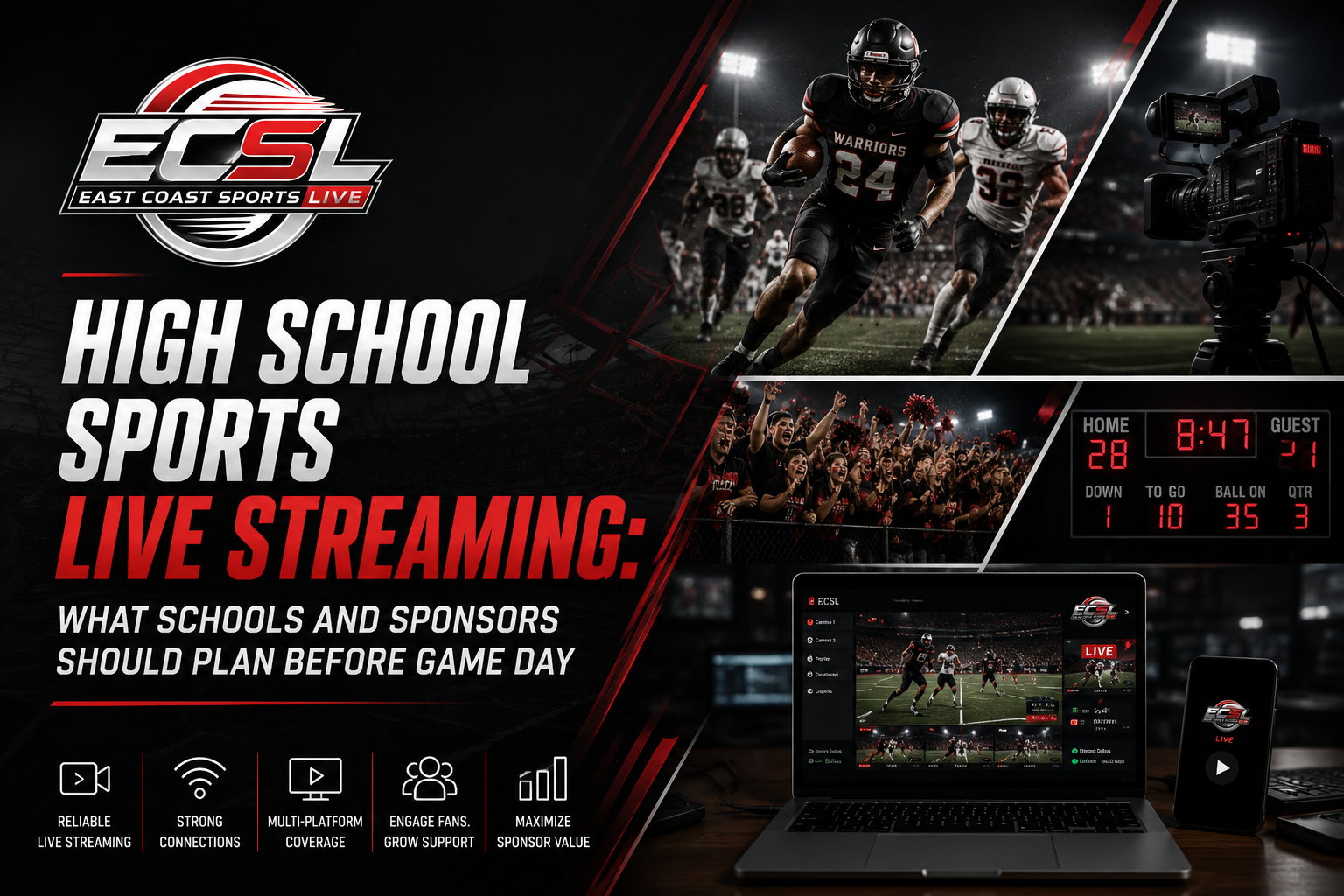
- Multi-camera live production - Used at college showcase tournaments, all-star weekends, or league championships. Includes switching, replay, and isolation angles for athletes and sponsors. Live sports production can use multiple cameras for coverage to match what viewers now expect from any screen.
Modern tools make a real difference. High frame rates help capture fast motion without blur in sports video production. AI-driven cameras debuted at the MLS All-Star game in 2026, and 4K-capable cameras with IP-based transmission and cloud production workflows are now accessible to organizations outside the professional ranks. East Coast Sports Live recommends a configuration after assessing venue size, light levels, camera positions, and sponsor commitments-so programs don't over- or under-buy coverage.
Capturing the Game: Live Production, Audio, and Graphics
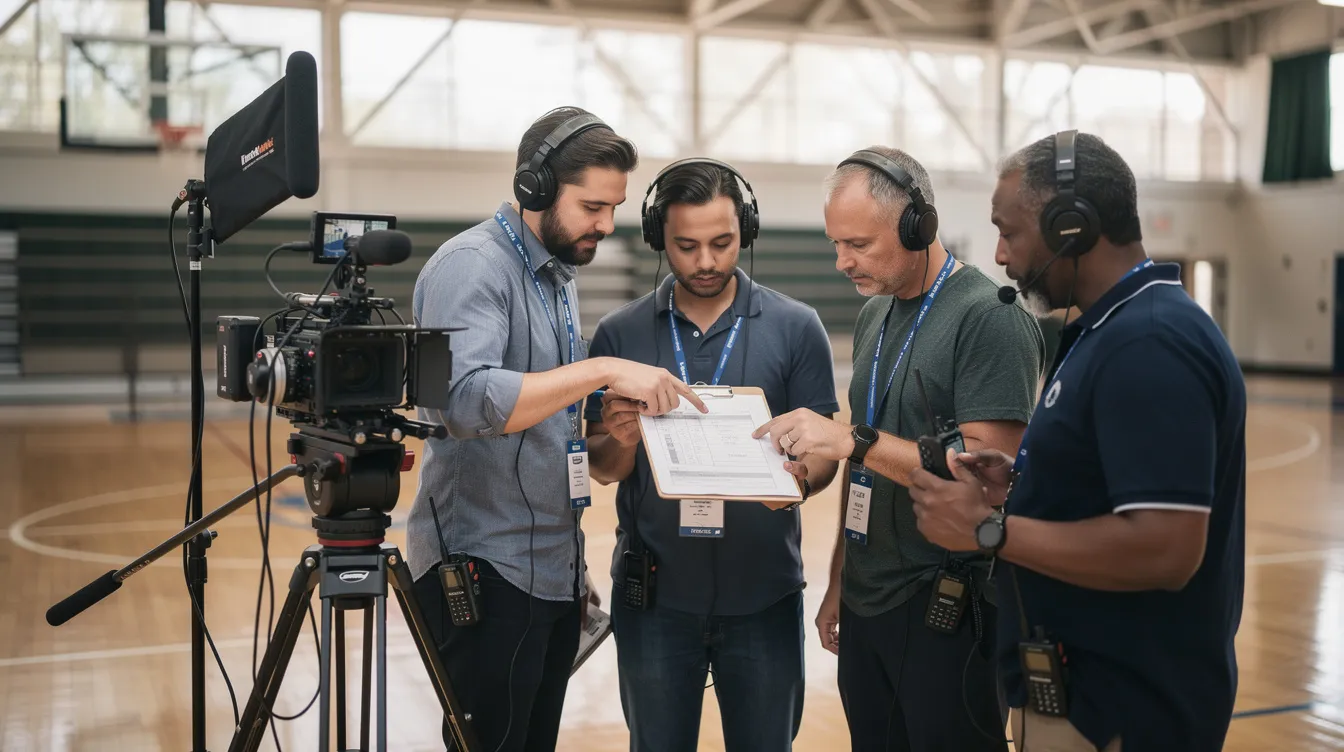
Live sports production teams include audio engineers and graphic designers working alongside camera operators and directors to create the broadcast-quality experience fans now expect. Every match demands real-time coordination across several elements.
Cinematography for sports involves using specialized cameras and lenses to capture detailed action, while stabilization equipment such as tripods and gimbals is used to ensure smooth footage during action shots. Camera innovations like rail cams and ref cams-tested across MLS and other leagues-give viewers angles that turned static coverage into an immersive film-like experience.
Good audio is critical in sports production for capturing crowd atmosphere and game sounds. Separating natural game audio (whistles, bat cracks, crowd roar) from commentary and music requires dedicated mixing, whether you're covering a home football game or a showcase in paris, texas or a tournament in australia's Gold Coast.
Must-have live production elements:
- Cameras (multi-angle switching on every possession or drive)
- Audio (isolated game sounds plus commentary)
- Graphics - advanced graphics can display scores and real-time information, including scorebugs, lower thirds, and rotating sponsor logos
- Replay - instant replay can show major plays from multiple angles, supporting both fan engagement and official review
- Commentary - pair play-by-play with a local analyst; coach them to integrate sponsor mentions naturally
- Closed captioning ensures ADA compliance during broadcasts, and closed captioning can achieve up to 100% accuracy in broadcasts with the right workflow
Tools like Blackmagic Design's UltraStudio Express 3G support video capture in compact setups, making it easier for a company like East Coast Sports Live to scale elements up or down. Full replay and graphic packages work for championships; leaner setups fit regular-season doubleheaders-all while maintaining consistent brand and sponsor visibility.
Turning Games Into Year-Round Content for Athletes and Sponsors
The real value of sports videography services emerges after the final whistle, when raw footage is turned into highlights, recruiting reels, and sponsor clips that work for months. Post-production techniques like color correction and graphic overlays enhance viewer experience in sports videos, and effective editing in sports video includes adding slow-motion replays and synchronizing audio with visuals.
- Team and athlete reels - A fall 2026 high school football season can be cut into a 90-second hype video for the program's 2027 ticket drive. Individual athlete content production packages include offensive and defensive highlight reels, skills sessions, and mic'd-up features that also carry subtle school or club branding.
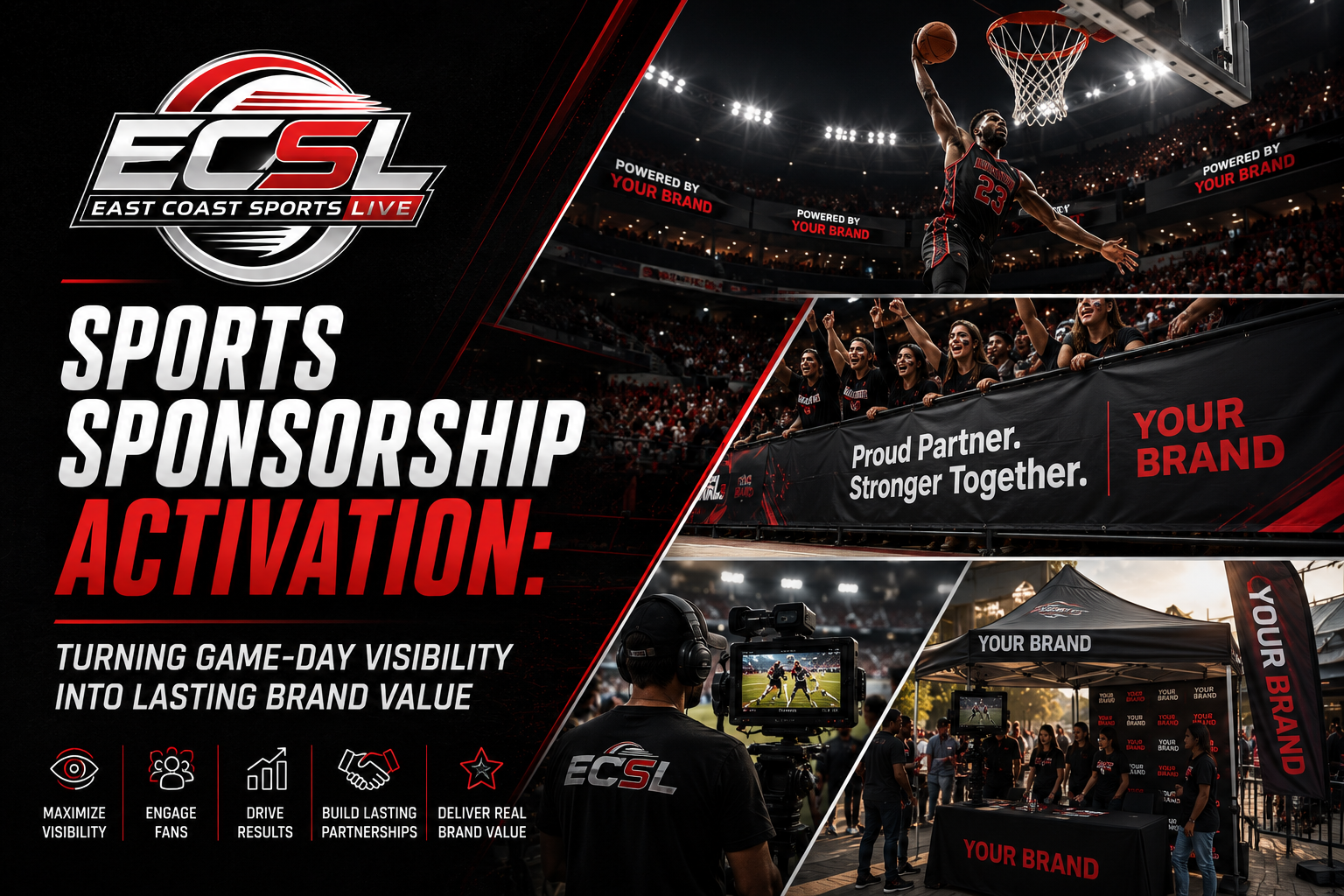
- Sponsor assets - A Memorial Day 2026 lacrosse tournament recap edited for a beverage sponsor to use on social media. Short-form vertical content (9:16) is edited specifically for Instagram Reels, TikTok, and YouTube Shorts, with sponsor slates baked in.
- Content libraries - East Coast Sports Live builds libraries for leagues and tournaments so they can quickly find footage, respond to media requests, recruit new sponsors, or pitch streaming partners.
Emerging technologies in sports production include AI-assisted tracking and automated highlight generation, which speed up the edit process dramatically. If you need to scale your post-production team, platforms like ProductionHUB have over 150,000 verified professional profiles, and 86% of users on ProductionHUB report hiring success. Production professionals can be hired for short or long-term projects and can work in over 70 cities worldwide. ProductionHUB facilitates over 6 million searches annually, making it easier to find specialized editors and motion designers for any variety of project.
Distribution, Rights, and How to Work With East Coast Sports Live
Once your content is ready, distribution matters. Options include in-venue videoboards, embedded website players, school apps, and simulcast delivery to platforms like YouTube or Facebook. Leagues increasingly simulcast across TV, radio, and streaming to maximize reach for viewers and sponsors. AWS provides cloud-based solutions for live sports production that open new possibilities for organizations at every level.
Before cameras roll, check that rights are signed and clear: who owns the footage, how long sponsors can use clips, and which platforms are authorized. Clear agreements protect every business and organization involved. Data from streams-view counts, watch time, geography-can be reported back to sponsors to prove value and strengthen renewals.
Working with East Coast Sports Live:
- Discovery call to discuss your league, event, or season
- Event and venue assessment
- Proposal with production and content options
- On-site execution
- Post-event content delivery
Ready to elevate your program's story? Request a sports video and content-production proposal from East Coast Sports Live. We support schools, teams, tournaments, leagues, athletes, and sponsors along the East Coast and beyond.
Polished sports video production helps programs tell their story to the world, attract support, and create professional-grade archives future athletes will look back on from home for years to come.

This is paragraph text. Click it or hit the Manage Text button to change the font, color, size, format, and more. To set up site-wide paragraph and title styles, go to Site Theme.